How to Use an AI Resume Builder Without Sounding Like a Robot
AI can turn a pile of notes into a resume in minutes. It can also produce one that reads like everyone else on the recruiter's screen. The difference is you.
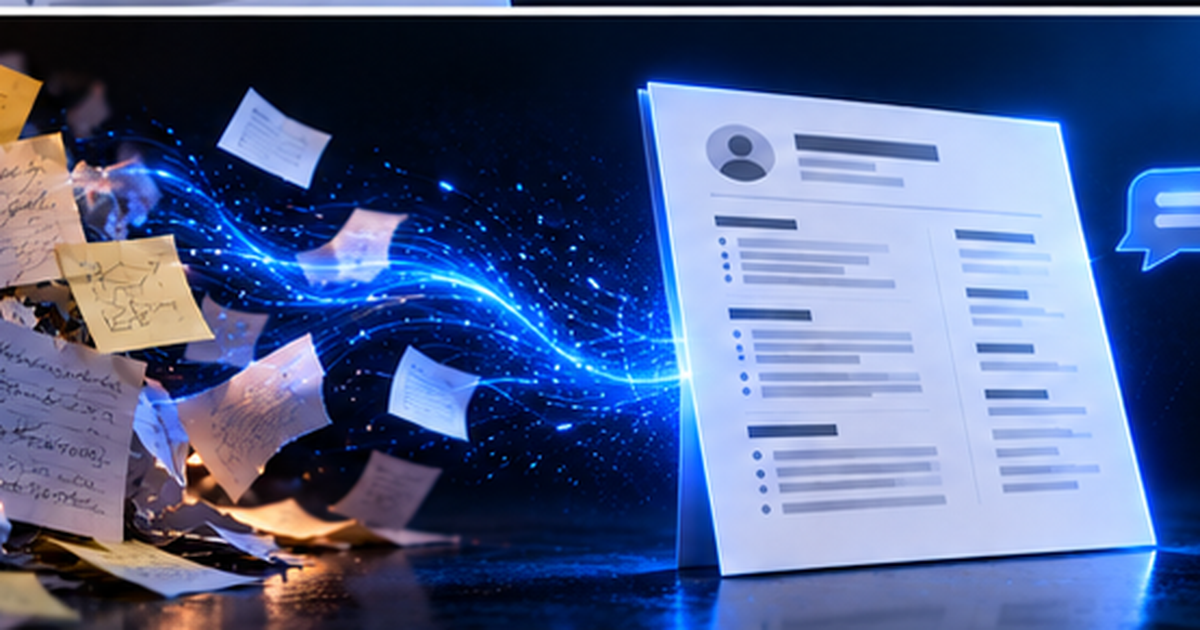
An AI resume builder can turn a pile of notes into a clean document in a couple of minutes. It can also produce a resume that reads like every other resume on a recruiter's screen. The tool is rarely the difference. What decides it is what you put in and what you do afterwards.
What AI is good at here
- Sorting messy notes into proper sections
- Rewording flat sentences into stronger ones
- Keeping tense and tone consistent across the page
- Suggesting wording that suits a target role
- Handling layout, so you are not fighting a word processor
What it cannot do for you
- Know what you actually did. It only has your notes.
- Check that your numbers are real
- Decide what matters to this particular employer
- Answer questions about your resume in the interview
That second list is why your input matters so much. If you paste "made a website", you will get a polished sentence about a vague website. If you paste what it did, who used it, which tools you used, and what went wrong and how you fixed it, you will get something specific.
Step 1: write good raw notes
Do not write resume language yet. Write the way you would explain it to a friend. For each project or role, cover what it was, what you personally did, the tools you used, anything measurable, and anything you are proud of. Add your education, certifications and awards. Messy is fine. Missing facts are not.
Step 2: choose a target role and country
A resume aimed at a data analyst intern stresses different things from one aimed at a front-end developer, even when the person behind them is the same. In QuantumCV you enter a target role and country before you generate. If you are applying to one specific posting, tailor the result afterwards by checking the keywords it repeats.
Step 3: read every line like a sceptic
This is the step people skip, and it matters most. Go through the output and check that:
- Every fact matches your notes, with no tools, titles or numbers added
- Every number is real, and you can explain how you got it
- The wording sounds like you. If you could not say a line out loud in an interview, change it.
- There is no filler such as "results-driven", "dynamic" or "leveraged synergies"
- Every skill listed is one you could talk about for two minutes
AI tools can invent plausible details or inflate a claim. It is your name on the page. If an interviewer asks about a line and you cannot explain it, that line has cost you more than it earned.
Step 4: edit by conversation, in small steps
QuantumCV lets you describe changes in plain language: "make this bullet punchier", "add a languages section", "shorten the summary to two lines". Specific requests work much better than "make it better". Every save is kept in version history, so if an edit makes things worse you can restore the earlier version.
Step 5: check the score, then export
Run the free ATS score and look at the strengths and gaps. Fix what makes sense for the job and ignore what does not. Our guide to what an ATS score measures explains how to read it. Then export the PDF and open it: can you select the text, is it still one page, and does it read well on a different screen from the one you built it on?
How credits work
QuantumCV is credit-based rather than a subscription. A full AI generation uses 5 credits, and each chat edit or bullet enhancement uses 1. New accounts come with free credits, and paid packs are one-time purchases whose credits do not expire. Current prices are on the pricing page.
Do employers mind AI-written resumes?
Nobody can promise how every recruiter will react. What recruiters generally dislike is sameness and untrue claims, not tools. A resume that is specific, accurate, and consistent with what you say in the interview works however you drafted it. One full of generic phrases or claims you cannot back up does not. The safe approach is to make sure every line is genuinely yours.
If you want to polish individual lines yourself, read resume bullet points for freshers. Or try the builder free and see how a draft from your own notes looks.
Frequently asked questions
Is there a free AI resume builder?
Many tools have a free tier with limits. QuantumCV gives every new account free credits and a free ATS score, and extra credits are one-time packs rather than a subscription.
Will an AI-built resume pass an ATS?
That depends on the format, not on who wrote it. A single-column layout with real text and standard headings is read correctly by most systems. Check it with the analyser before you apply.
Can I use AI for just the bullet points?
Yes. You can build the resume manually and use the bullet enhancer on individual lines that feel weak.
Put this into practice
Build a first draft from your own notes, then check it with the free ATS score before you apply.